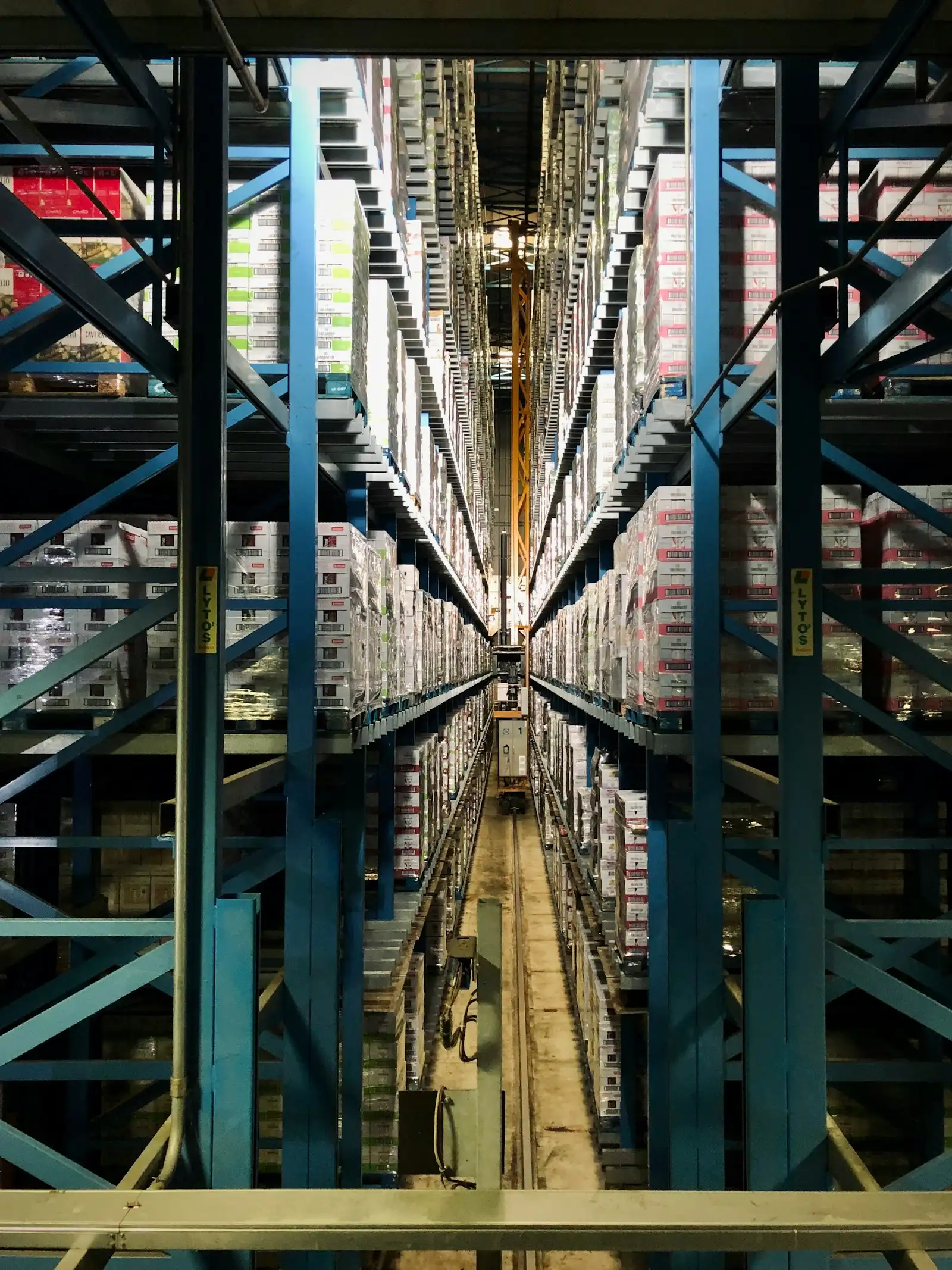
Retail is an exceptionally competitive business, and optimisation is key to success. Nowhere is this more visible than in retail chains, where it is impossible to meet market demands without modern IT solutions. One such solution is our dedicated XAD system.
XAD:
- is designed for retail chains,
- makes it easy to manage orders between stores, head office and the central warehouse,
- enables complete, optimised supply chain management,
- is fully integrated with PC Market by INSOFT,
- tracks the status of every order continuously,
- supports purchase prices both from deliveries (from PC Market) and from external software (CSV import),
- creates consolidated dispatch instructions from the central warehouse for each store, based on their orders.
Modules
Orders module
Available in the stores, this module lets store managers order goods held in the central warehouse.
Store managers can:
- view current stock levels in their store,
- view current stock levels in the central warehouse,
- analyse product sales in the store over a selected period,
- filter and sort products by name and retail price,
- place orders and export them to the central system,
- check order status.
Order quantities are rounded up to the number of units in the product’s bulk package, as defined in PC MARKET CENTRALA.
Head office module
This module handles moderation and virtual prices.
Head office staff can:
- view current stock levels in the central warehouse,
- view current and past (processed) store orders,
- modify and approve store orders,
- manage virtual prices,
- import a CSV file with purchase prices from an external system.
Supplier orders module
- Product purchase prices are imported into XAD from PC Market on a regular basis, from a file containing:
- product code
- purchase price
- supplier
- To prepare orders, the system lists the products calculated as missing, based on:
- central warehouse stock
- store stock
- goods in transit (from suppliers)
- sales over a given period
- other criteria, as required by the client
- The list of products included in ordering is agreed during implementation.
- The presentation and the data shown are agreed during implementation.
- The user preparing orders chooses the supplier and the quantities to order.
- To prepare an order, the user fills in or selects:
- Agreed – a checkbox indicating the order has been agreed
- Supplier – from the INSOFT supplier list
- Price – based on INSOFT data
- Invoice price
- Notes for the supplier
- Pallet conversion factor from PC MARKET
- Order – quantity to order
- Any other comments
- Edited data is saved automatically, so the user doesn’t have to re-enter it when returning to order management.
- Clicking “generate order(s)” sends the orders by e-mail to the selected suppliers (supplier e-mail addresses must be set in INSOFT; the format is agreed during implementation).
- The system can also generate requests for quotation to suppliers — without prices — with an automatically generated e-mail.
- Generated orders can be given final approval, with the option to choose the supplier; this creates a receiving instruction in the XWMS warehouse system.
- Goods are received based on the instruction.
- Receiving deliveries generates two files:
- the main import file
- the price import file
- The files are imported into INSOFT systems.